Is the video based on applying the algorithm to the entire screen, or is it applied to the sprites individually, then they are plotted to the screen?
Just wondering, because the samples in the paper are all lone objects against a clear background. If the same object is drawn in front of a detailed background and then the upscaling is applied, this would affect the patterning. It's a little tricky to tell from the video, since the graphics (especially the backgrounds) use large blocks of plain colours.
Worst case, you could imagine Mario walking in front of the background and his shape shifting madly with every step he took?
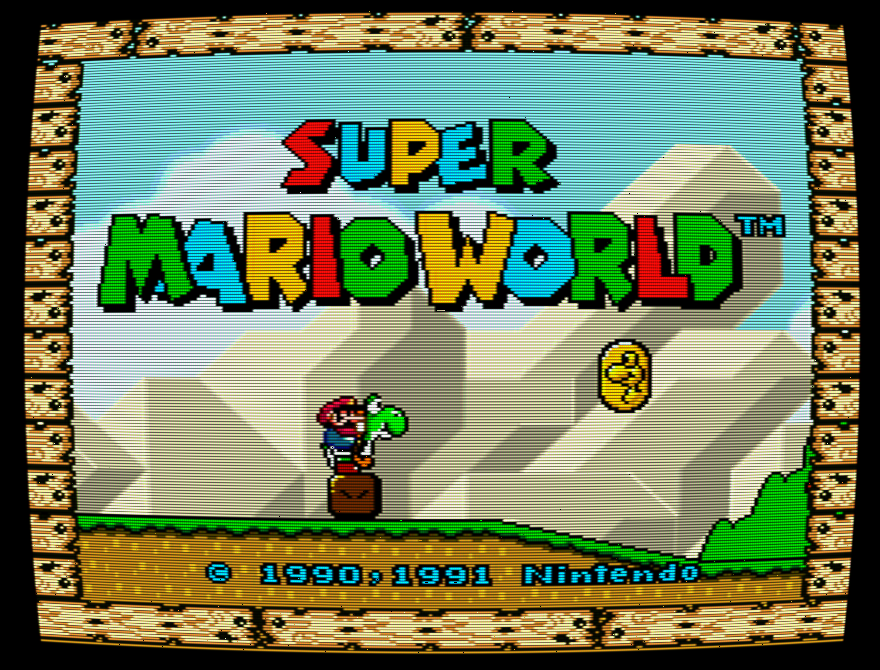
(Edit: From freeze-framing the video, I'm guessing that the algorithm is being applied to the whole screen. The scaling works great when Mario is in front of the pale background. There are small artifacts when he crosses the black outline of the green bushes. Very minor in this video, I wonder how it would affect more intricate backgrounds or those that aren't such contrasting colours to the foreground?)
> Worst case, you could imagine Mario walking in front of the background and his shape shifting madly with every step he took?
This brings up something interesting: In terms of media containing sprites and minimal layering (e.g. NES-like games), wouldn't it be computationally cheaper to perform the scaling on the sprites and textures independently of one another, instead of post-processing? I wonder if there is any emulator that does this. I'm thinking not, as the NES wouldn't be capable of layering such detail (large sprites + textures). Upsampling emulators.. Hmm...
It'd be kind of hard, as what makes up a "sprite" lives in two different places - one that stores all the tile data, and another that basically describes which tiles make up which sprites. The latter is likely to change every frame, and potentially the former, too, so you'd still be rescaling some stuff every frame. You'd also have to rescale some things that are affected by palette changes, which sometimes change every frame (popular way to animate water, for example). Would you end up saving time this way? I'm not really sure. It's definitely an interesting idea.
i dont understand, as long as you figure out how to get the sprites into the right formats this would be immensely computationally cheaper ("time-saving"?) than post-processing every frame
The thing is, there's no "right format" for sprites, as they're used in the game. See http://benfry.com/deconstructulator/ for an example of how sprites are handled by the NES for Super Mario Bros. Mario is split into 8x8 pieces that are swapped out as needed: how do you determine which pieces are "Mario's sprite" and which are "that coin's sprite"? Remember that some pieces will change while others won't.
yea i dont doubt it would be complex & to build an upsampling sprite rendering engine you'd have to understand all this stuff. With old games like this it would probably involve some manual work cuz you'd have to recompose images, smooth as a unit, then decompose somehow back to the original tiling. I mean.... I'm not gonna do it & wouldn't bother trying
the computational price will be much much cheaper tho. swap in upsampled sprite (36 tiles to every 1 in old format, let's say) rather than post-processing every single frame in real-time with a smoothing/upsampling algorithm.
it would also keep the pieces distinct from each other rather than having objects/characters/backgrounds morph in & out of one another
Am I crazy for preferring the one on the left (nearest-neighbour)? The other two really mess up certain details such as the point numbers, the stem of the fruits and pokey's eyes.
They also tend to cause a very subtle distortion of the outlines of foreground sprites as they move over the background.
I preferred hq4x for much the same reason. Removed the large blockiness while still preserving the pixelated feel (and staying truer to the shapes in the original).
No, you aren't. I prefer nearest-neighbor too, I think it preserves the "spirit" of the game. Generally speaking, I prefer it for any kind of "pixel art".
That said, those algorithms are impressive, and I can see why someone could prefer them over a simple nn.
This reminds me of staring at those tiny screenshots on the back of NES boxes with sweaty palms as a six year old.. lol.. Pixel art was not yet embraced as an art form, I guess. (well, not by the adults)
As interesting as these smoothing algorithms are, they can't add any information to the sprites that wasn't already there. Why make everything look smooth and plasticky when the original game was carefully hand-drawn, pixel by pixel?
I think there is a purpose for this in video, but I'm not sure it's an all or nothing game. Especially here. For starters, the gameplay looks smoother in nearest neighbor because your eyes defocus while playing. Hence, you need sharp pixel edges to dilettante and your eyes do the rest. In a still shot, that's not the case at all. You want focus and smoothness.


Even if it's too slow for realtime on today's hardware, I'd love to see some prerendered sample videos.